 Optencis
Optencis is an affiliate of Pocket Option. Regulatory status and how we work
The Pocket Option demo account is free and needs no deposit. The platform displays $50,000 in virtual money for demo trading. You trade on the same platform, with the same assets and the same payouts as on a live account, without risking your own funds. Used well, it is the most useful tool a beginner has. Used badly, it teaches habits that cost money later.
How to open it
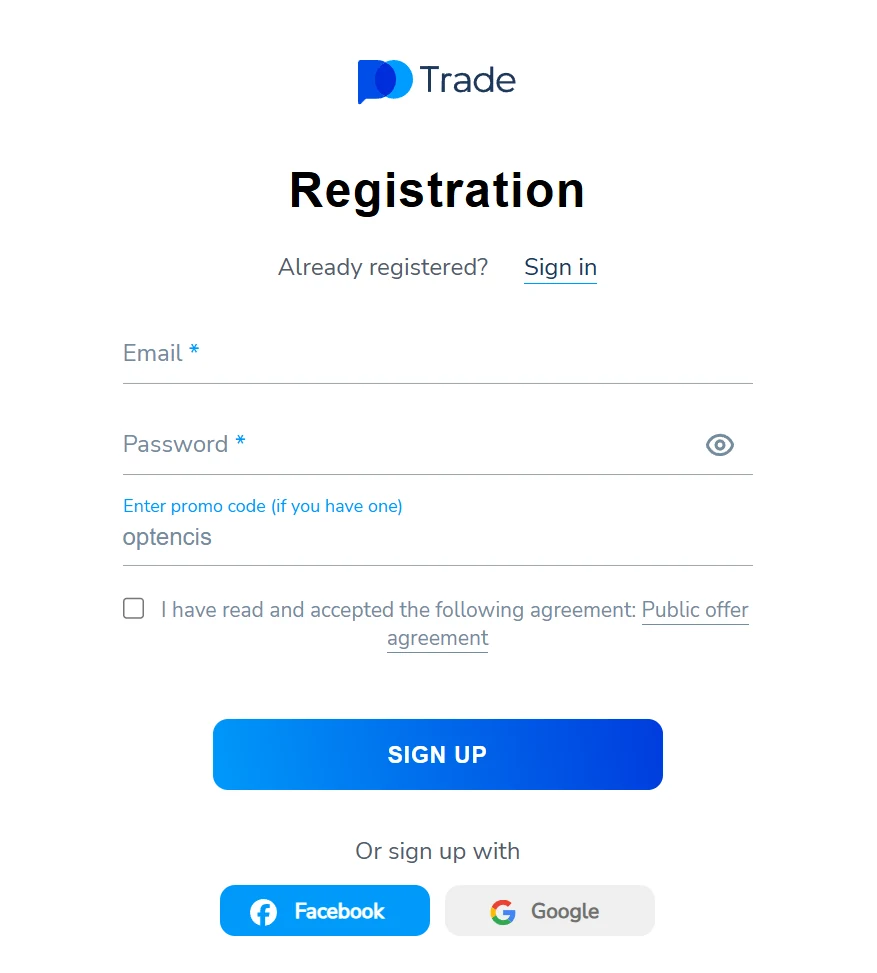
- Open the platform and choose the demo option (“try demo”): you can start without registering, or register with an e-mail address or a Google account.
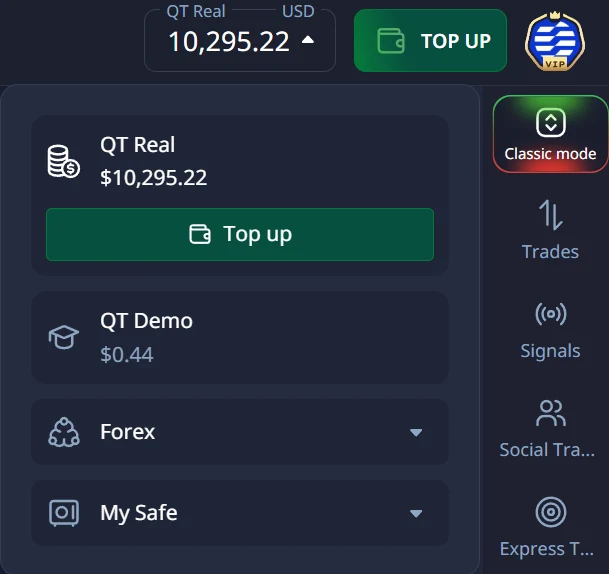
- In the trading screen, check that the account selector shows Demo, not Live, before every session.
- Set the platform clock to your time zone, and turn on two-factor authentication as soon as you register.
Our lesson The platform, step by step walks through each screen.
What the demo teaches, and what it cannot
| The demo teaches you | The demo cannot teach you |
|---|---|
| How the platform works: assets, expiry, payout, order buttons | How you react when real money is lost |
| Whether your method beats your break-even win rate | The pressure of a losing streak with your own funds |
| Your routine: checklist, journal, daily limits | Deposits, withdrawals and identity verification |
How to use it so that it means something
- Trade the amount you plan to trade live. A $500 trade on demo teaches nothing about a $5 plan. With $50,000 of virtual money, the temptation to trade big is strong: resist it. See trade size and daily limits.
- Write every trade down. Asset, time, expiry, reason, result. Without a trading journal, a demo is just a game of clicks.
- Measure your win rate against your break-even. At a 92% payout you need to win 52.1% of your trades just to break even; at 80%, 55.6%. See what the payout really means.
- Prefer real-market assets while you learn. Assets marked OTC behave differently: what OTC means.
- Follow a plan. Our 30-day plan tells you what to practise each week.
When to move to a live account
Only when your journal shows a win rate clearly above your break-even over enough trades to judge, for example 50 to 100 trades taken with the same rules. Then start with a small deposit and the same amount per trade as on demo. If your live results fall below your break-even, go back to demo: it costs nothing.
For an overview of the platform, read our full Pocket Option review.
Frequently asked questions
Is the Pocket Option demo account free?
Yes. It needs no deposit, and you can try it before registering.
How much virtual money does the demo have?
The platform shows $50,000. The amount can change; check it in your account.
Are demo results the same as live results?
The prices and payouts are the same, but your decisions are not: most traders take more risks with virtual money and fewer with real money. That is why trading the same amount on both matters.
Before you deposit, read our binary options guide and our Risk Disclosure: you can lose all the money you invest.